Download Xiaomi Flash Tool: Mi Flash tool can be used to flash any Qualcomm powered Mi smartphones. While flashing through Mi Flash tool. The phone has to connected in EDL mode using test point. You can either use EDL cable or can short test point.
To confirm whether the phone has switched to edl or not , Check device Manger. If there is port of Qualcomm USB Driver 9008 then you can flash the phone.
1- Download Mi Global Fastboot ROM.
2- Install Qualcomm Driver.
Mi Flash Tool:
- XiaomiFlashTool Pass:- ?Mu7X-_GGgzq?Ue
- MiFlash20210226
- MiFlash20191206
- MiFlash2018115 | Mirror
- MiFlash20180528 | Mirror
- MiFlash20171212 | Mirror
- MiFlash20170425
- MiFlash20161222
- MiFlash20160830
- MiFlash20160401 | Mirror
- MiFlash20151028 | Mirror
- MiFlash20150731
- MiFlash20150601
- MiFlash20140509
How to Use Mi Flash Tool:
Make sure to install Qualcomm Driver.
1- Download the tool & Install.
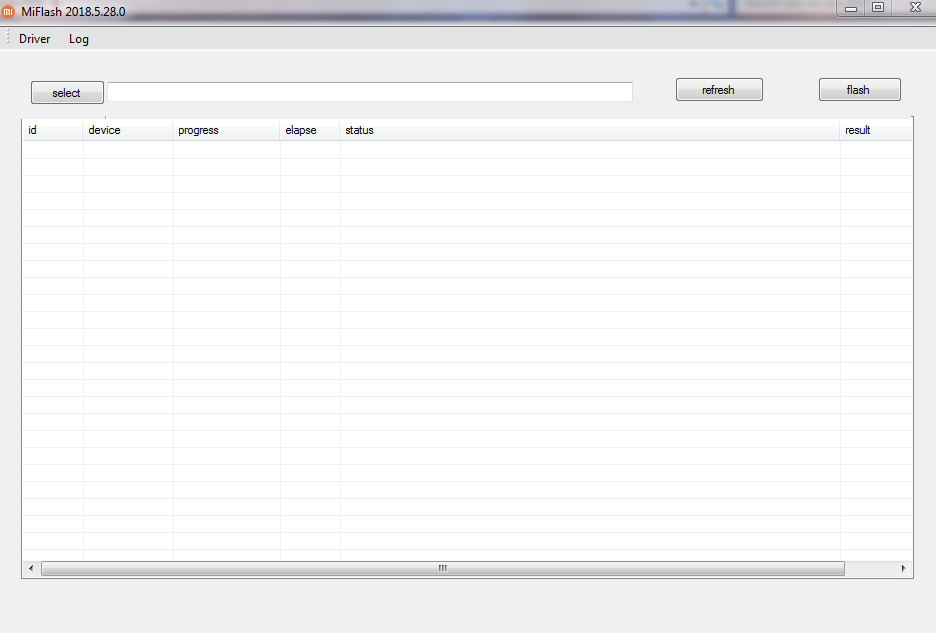
2- Click on Select and assign path of firmware.
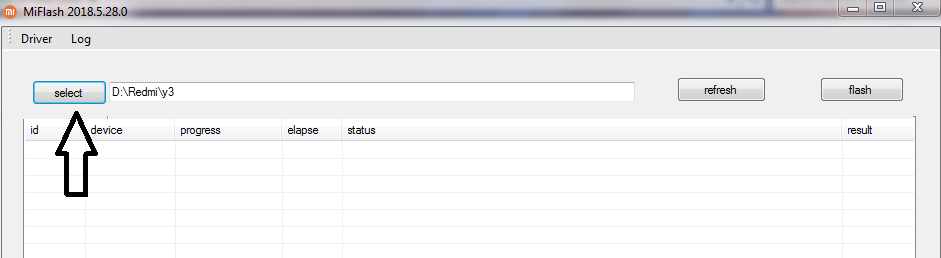
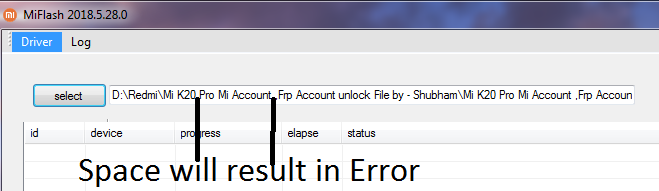
3- Make sure there is no space between the path of the firmware.
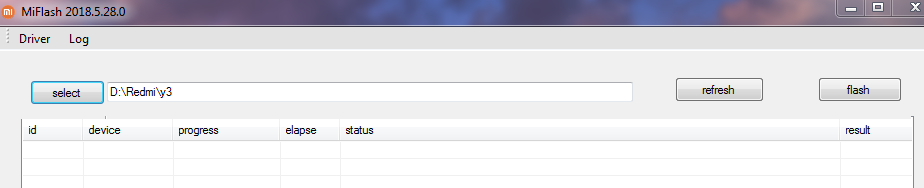
Right way, is to place firmware in C drive or with no space as shown in pic below.
4- Connect Phone in EDL Mode.
5- Click on refresh, it will show the device under ID as COM3.
6- Click on Flash.