If you own any Google Pixel device and looking forward to flash the device. We will guide you throughout the process.
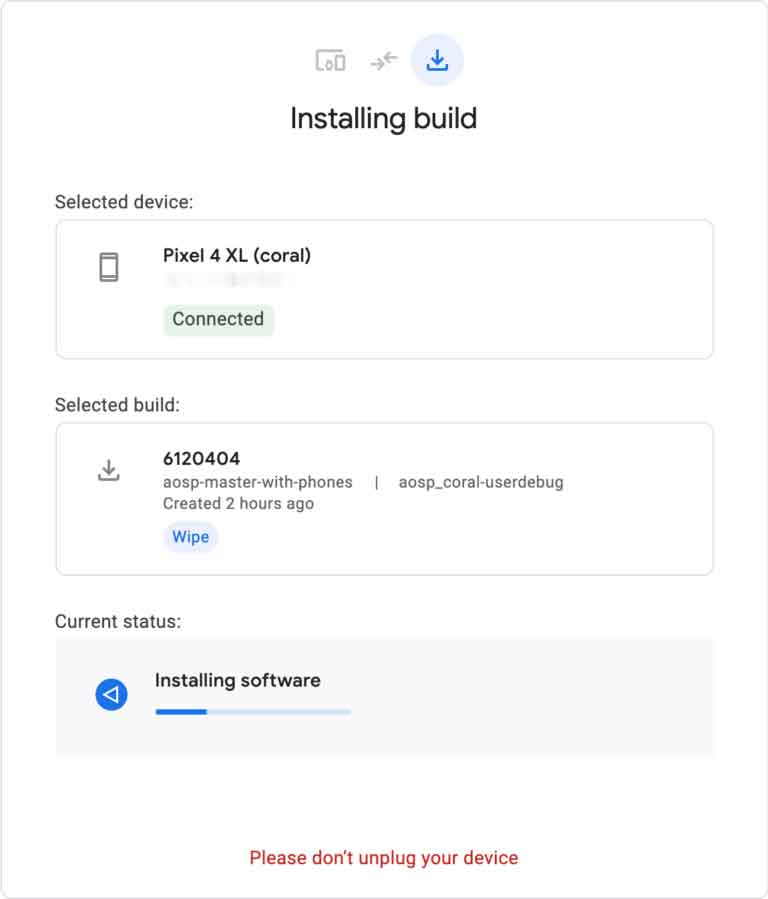
We will be using Google Chrome browser in order to flash any Google pixel devices.
List of devices Supported:
Prerequisite for Google Pixel device:
- Enable Developer Option & USB debugging. Open Setting > About Phone > Build No. and tap on Build No. for 8 times.
- It will enable developer mode. Switch on USB Debugging under Developer option Menu.
How to Flash Google Pixel phone using Google Chrome:
- Connect Google pixel device directly to the usb port of Laptop or PC.
- In Google Chrome, open Flash.android.com.
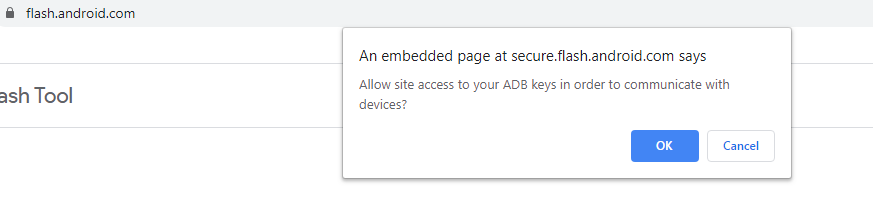
- Soon after visiting the webpage, pop up will appear that says Allow site access to your ADB keys in order to communicate with devices. Click on OK to proceed.
- Select Add New Device.
- Choose your device from the list & click Connect.
- On Google pixel device screen, select Always allow from this computer and click OK to accept the USB debugging connection.
- Select the connected device in Google chrome.
- Search for & Select your desired build from the list. The tool also gives the option to wipe the device or Force Flashing all partition.
- Click Install to start the process. The device reboots & will enter fastboot mode automatically.
- If the process fails to start then reconnect the device.
- After flash complete, disconnect the device from USB.